5 DevOps Quick Wins Any Developer Can Implement Today
Someone on your team handles the deploys. That someone is you, not because you chose it, but because you once said “sure, I can look at the server” and now you’re the de facto infrastructure person for a 20-person startup.
You didn’t plan for this. You have features to ship. But the deploys are manual, alerts go to nobody, and one bad push means you’re getting Slacked at 2am.
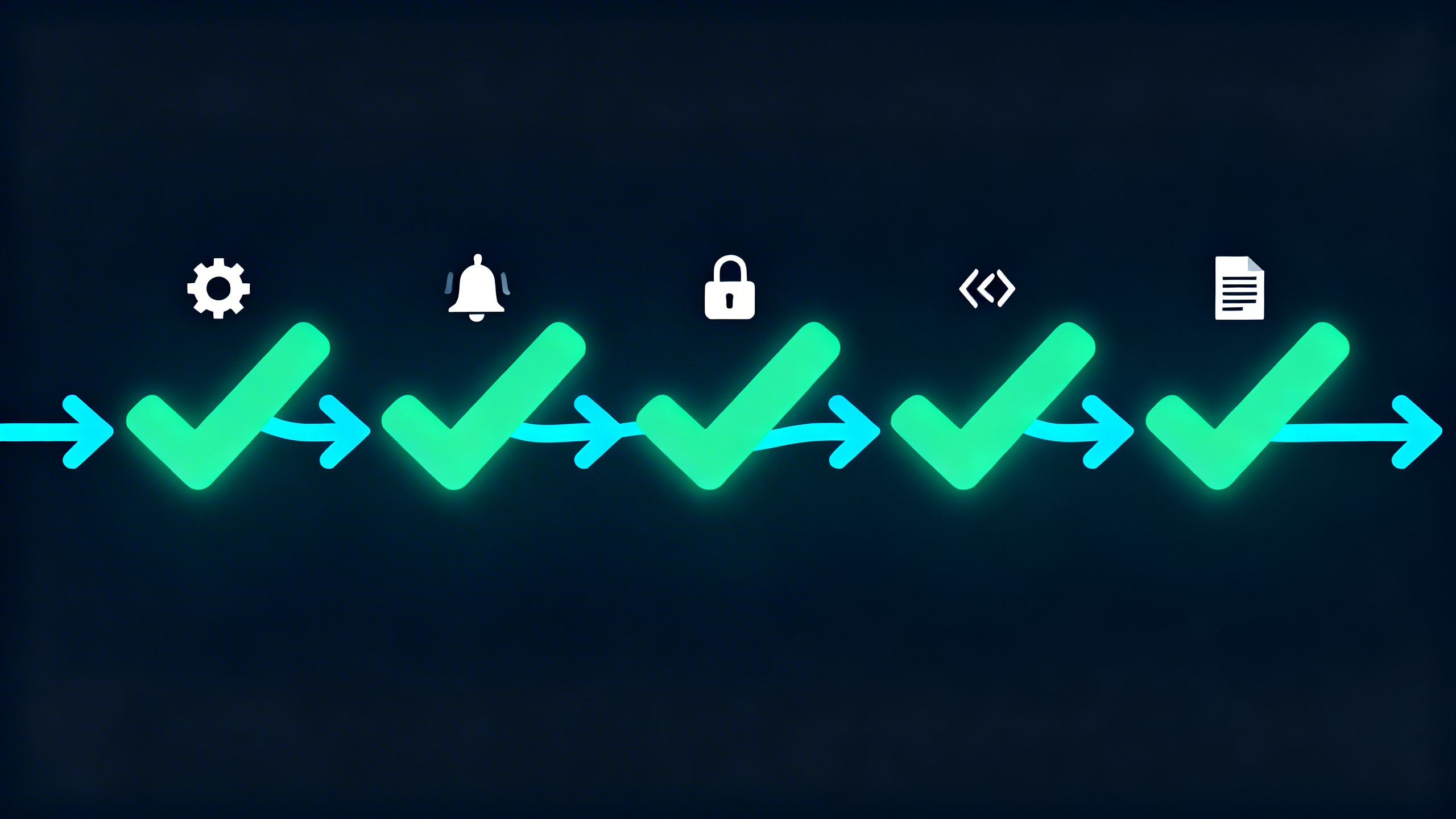
Here are five DevOps quick wins you can implement today, ranked by ROI per hour spent.
Not a full overhaul. Not a platform migration. Five targeted fixes that will cut your ops headache significantly, and we’ve seen teams implement all five in a single afternoon.
Why Quick Wins Matter More Than a Full DevOps Plan
The trap most small teams fall into: deciding to “do DevOps properly” and spending three weeks evaluating platforms before implementing anything. Meanwhile, the manual deploys keep happening.
Start with the highest-leverage fixes. These five wins aren’t glamorous, but they address the specific problems that burn the most engineering time at companies your size.
Want a second set of eyes on your infrastructure before you start? We offer a free async audit, no call required, just a Loom walkthrough and written report of what we find.
Quick Win 1: Automate Your Deploys with GitHub Actions
Time to implement: ~1 hour. Impact: enormous.
The manual deploy is the single highest-toil task we see at small teams. We’ve had clients whose entire deploy process was a 47-step Notion doc, one step missed and something breaks. Nobody should have to run a checklist to push code.
If your code is already on GitHub, you’re one YAML file away from automating this. Here’s a minimal workflow that deploys to an EC2 instance on every push to main:
# .github/workflows/deploy.yml
name: Deploy to Production

on:
  push:
    branches: [main]

jobs:
  deploy:
    runs-on: ubuntu-latest
    steps:
      - uses: actions/checkout@v4

      - name: Deploy via SSH
        uses: appleboy/ssh-action@v1.0.3
        with:
          host: ${{ secrets.PROD_HOST }}
          username: ${{ secrets.PROD_USER }}
          key: ${{ secrets.PROD_SSH_KEY }}
          script: |
            cd /var/www/app
            git pull origin main
            npm install --production
            pm2 restart app
That’s it. Push to main, and GitHub runs the deploy for you, no checklist, no “did you remember to restart the service?”
The GitHub Actions documentation has deployment examples for every major stack.
What this fixes: manual deploys, inconsistent deployment steps, the “works on my machine” problem, and the tribal knowledge problem where only you know the right order to run things.
Quick Win 2: Add Alerting Before Your Users Do It For You
Time to implement: 30-45 minutes. Impact: stops reactive fire-fighting.
You should not be finding out your app is down from a user. That’s not a monitoring problem, that’s a “we have no monitoring” problem, and it’s more common than you’d think.
The minimum viable alerting setup for a small team running on AWS:
# Create a CloudWatch alarm for HTTP 5xx errors on your load balancer
aws cloudwatch put-metric-alarm \
  --alarm-name "prod-5xx-errors" \
  --metric-name HTTPCode_Target_5XX_Count \
  --namespace AWS/ApplicationELB \
  --period 60 \
  --evaluation-periods 2 \
  --threshold 10 \
  --comparison-operator GreaterThanThreshold \
  --alarm-actions arn:aws:sns:us-east-1:ACCOUNT_ID:alerts \
  --dimensions Name=LoadBalancer,Value=YOUR_LB_NAME
If you’re not on AWS or want something simpler, BetterUptime has a free tier that monitors HTTP endpoints and pages you via Slack or SMS when they go down. Setup takes 10 minutes.
The specific alert to start with: HTTP 5xx errors and response time over a threshold. Those two cover 80% of “the site is broken” scenarios.
What this fixes: finding out about outages from users, flying blind on production health, and the 3am “is everything okay?” anxiety.
Quick Win 3: Get Secrets Out of Your .env Files
Time to implement: 20-30 minutes. Impact: security + sanity.
We’ve seen this go wrong in two ways: credentials accidentally committed to git history, and rotation chaos when a key needs to change and nobody knows where it’s used.
The minimum fix is free and takes 20 minutes: move your secrets to GitHub Actions secrets. Anything you reference in a workflow gets stored encrypted, not in your repo.
For secrets your running application needs access to, AWS Secrets Manager is the right call on AWS. A basic setup:
# Store a secret
aws secretsmanager create-secret \
  --name prod/app/database-url \
  --secret-string "postgres://user:pass@host:5432/db"

# Retrieve it in your app (Node.js example)
# npm install @aws-sdk/client-secrets-manager
Your application fetches the secret at runtime. When you need to rotate a credential, you update it in one place and every service that uses it gets the new value automatically.
What this fixes: secrets in git history, credential sprawl, rotation chaos, and the “I’m not sure where we use this API key” problem.
Quick Win 4: Codify Your Most Manual Infrastructure Task
Time to implement: 1-2 hours. Impact: reproducibility, documentation, and sleep.
You don’t need to Terraform your entire infrastructure today. Pick one thing you do by hand more than twice a month, a security group rule, a DNS record, an RDS parameter group, and write it as code.
One Terraform resource as an example:
# main.tf - just start here, not with everything
resource "aws_security_group_rule" "app_https" {
  type              = "ingress"
  from_port         = 443
  to_port           = 443
  protocol          = "tcp"
  cidr_blocks       = ["0.0.0.0/0"]
  security_group_id = aws_security_group.app.id
}
Now that rule is version-controlled, reviewable, and reproducible. Next time someone asks “what ports does the app expose?”, you point them at the repo, not your memory.
The point isn’t to have everything in Terraform immediately. It’s to stop relying on memory and tribal knowledge for things that can be written down. This is how you start reducing what DevOps practitioners call toil, the repetitive manual work that scales linearly with your team’s growth.
What this fixes: “I have to remember exactly what I did last time,” knowledge silos, and the panic when you need to reproduce an environment from scratch.
Quick Win 5: Write the Runbook You Don’t Have
Time to implement: 45 minutes. Impact: reduces bus factor from 1 to 0.
Right now, you are the single point of failure. If you take a week off or leave the company, nobody knows how to deploy, nobody knows what to do when production goes down, and nobody knows which AWS account the database is actually in.
A runbook doesn’t have to be beautiful. A Notion page, a Confluence doc, or a docs/runbook.md in your repo, format doesn’t matter. What matters is that it exists. At minimum, document:
- Deployment steps: How to deploy in production (or a link to the now-automated workflow from Win 1)
- Rollback procedure: What to do if a deploy breaks production
- Key services: Where things run, what IAM roles they use, what the expected behavior is
- Emergency contacts: Who to call if the primary responder is unavailable
This takes 45 minutes the first time. It will save hours the first time something goes wrong when you’re not available.
What this fixes: bus factor, 3am panic when someone else is on call, and onboarding the next engineer you hire.
What These 5 Wins Won’t Solve
Let’s be honest: these are triage, not a transformation.
If you implement all five and you’re still spending 15+ hours a week on ops work, the problem isn’t that you haven’t automated the right things. The problem is structural. Your team is running infrastructure that requires more dedicated attention than a developer doing ops on the side can give it.
At that point, the question stops being “which DevOps tool should I use?” and starts being whether you actually need a DevOps hire or whether fractional DevOps makes more sense than a $180K full-time engineer.
These five wins are the highest-ROI place to start. Get them in place, see where you still hurt, and make that call with real information.
We’ll look at your setup and tell you honestly what we think. Free async audit, Loom walkthrough, written report. No call required.
The 5 Wins: Summarized
Here’s what to implement, in order:
| Win | What to Do | Time | What It Fixes |
|---|---|---|---|
| 1 | Automate deploys with GitHub Actions | ~1 hr | Manual checklists, inconsistent deployments |
| 2 | Add alerting (CloudWatch or BetterUptime) | 30-45 min | Finding out about outages from users |
| 3 | Move secrets to GitHub secrets or Secrets Manager | 20-30 min | Credentials in git, rotation chaos |
| 4 | Codify one manual infrastructure task in Terraform | 1-2 hrs | Tribal knowledge, reproducibility |
| 5 | Write your deploy + rollback runbook | 45 min | Bus factor, 3am panic, onboarding |
Total: a solid afternoon. After that, you’ll know what’s actually worth fixing next.
Want someone to look at your setup and identify the highest-leverage fixes? Request a free async audit and we’ll send you a Loom walkthrough and written report with specific recommendations. No call required.
Related Articles

Do You Actually Need a Full-Time DevOps Engineer? (Probably Not)
Your developers are doing DevOps on the side. They hate it. And it’s costing you more than you think.
Nobody at your company sat down and decided to make developers responsible for infrastructure. It just happened. Someone had to manage deployments. Someone had to figure out why the AWS bill jumped again. Someone had to be on-call when production went down on a Friday. That someone is still writing application code too, and they’re quietly burning out.
Fractional DevOps: What It Is and Why Small Teams Love It
Your best backend engineer is handling deployments between PRs. Your AWS bill jumped 40% and nobody knows why. The DevOps job req you posted three months ago is still open.

What Happens When Your Only "DevOps Person" Quits?
It’s 4pm on a Friday when the Slack message arrives: “Hey, do you have a minute?”
Everyone in tech knows that feeling. You open the message hoping it’s about a project update. It isn’t.
How mature is your DevOps?
Take our free assessment. Get a maturity score across 5 dimensions and specific recommendations — written by an engineer, not a bot.
Free DevOps AssessmentGet DevOps insights in your inbox
No spam. Unsubscribe anytime.